KPIs for teams
KPIs with a target for every week - and who's behind on it
Give each KPI a quota per day, week, month, quarter or year. GoalNexa counts each period, shows the hit rate and the streak, and adds every team up to one total - from numbers your team, your scripts or your AI assistant send in.
Free plan, no card needed. Members join free.
Same idea, plain words
| In KPIs | In GoalNexa |
|---|---|
| KPI | A metric - either tracked only (just the number) or with a target |
| Target per period | A quota per day, week, month, quarter or year - all days or weekdays only |
| Actual | The period's check-ins: amounts added up, or the latest reading |
| Hit rate / streak | How many periods reached their quota, and how many in a row |
| Scorecard | The team board: every team's KPIs against their targets, by day, week or month |
| Roll-up | Totals per team and for the whole organization, from every team's numbers |
This week's number, and what's left
- Each KPI shows this period against its quota - "6/10 today, 4 to go".
- Hit rate and streak, so a good week doesn't hide a bad month.
- A nudge near the end of a period that's still short of its quota.
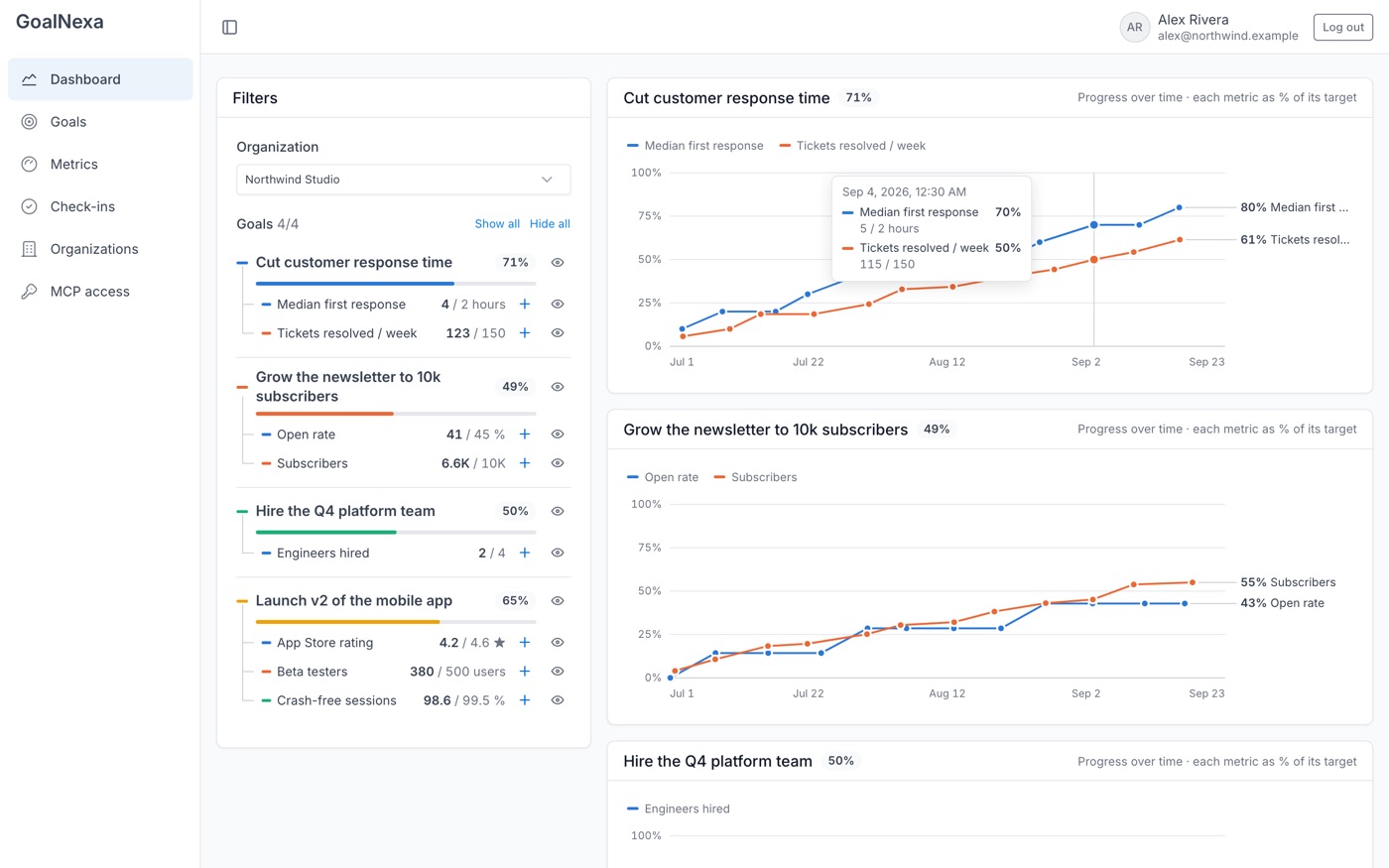
Numbers come in on their own
- Each metric has its own check-in URL - send numbers from a script, a cron job, n8n or Home Assistant.
- Or tell your AI assistant: "12 demos booked this week".
- Check-ins can be dated to their period - a day, a week, a month - and one reading per period can count.
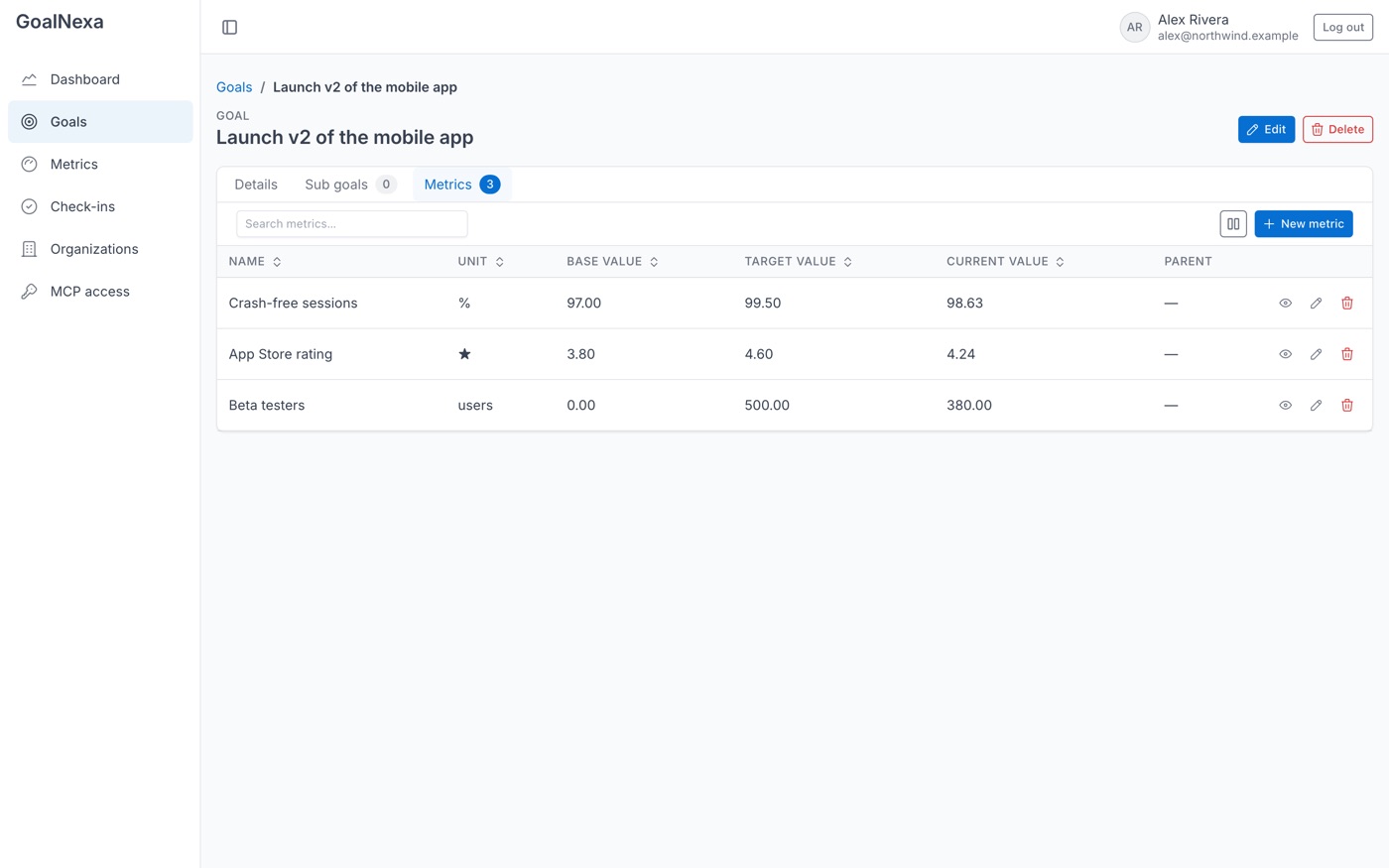
Every team, one scorecard
- Set up the KPIs once as a goal template; each team runs its own copy with its own targets.
- The team board lines up every team, period by period, as a table or charts.
- Totals add up per team and for the organization - read-only, always from the teams' own numbers.
Priced for teams that grow
- One flat price per team - adding a teammate never costs extra.
- Source-available: export everything any time, or run it on your own server.
Pick one KPI. See this week against its target by tonight.
Start free - pay per team, not per person, when you need more room.